Mobile Trading App
Binomo App Download
Download the trading app for Android devices risk-free. We provide links to the official Binomo.
Learn how the Binomo app for Android enhances your trading experience with powerful tools, robust security, and a user-friendly design, making financial markets accessible wherever you go.
What is the Binomo App?
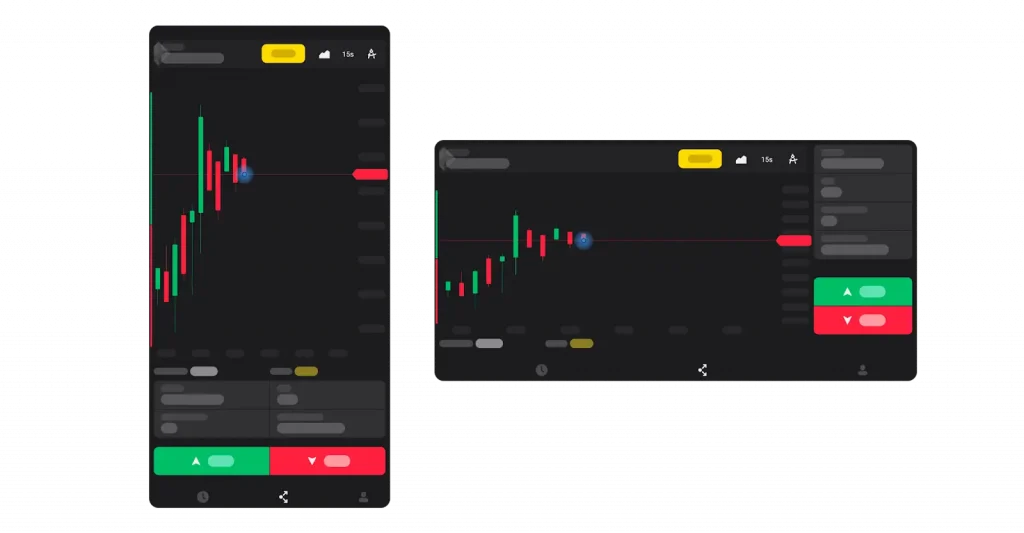
The Binomo mobile app offers traders a mobile platform to access financial markets from anywhere. This portable trading solution combines advanced functionality with ease of use, making it suitable for both novice and experienced investors seeking to capitalize on market opportunities on the go.
The application delivers a comparable experience to the web version, featuring the same technical indicators, chart types, and trading tools. With over 1,000,000 active traders and processing more than 30,000,000 successful trades weekly, the app for Android has established itself as a trusted platform in the mobile trading ecosystem.
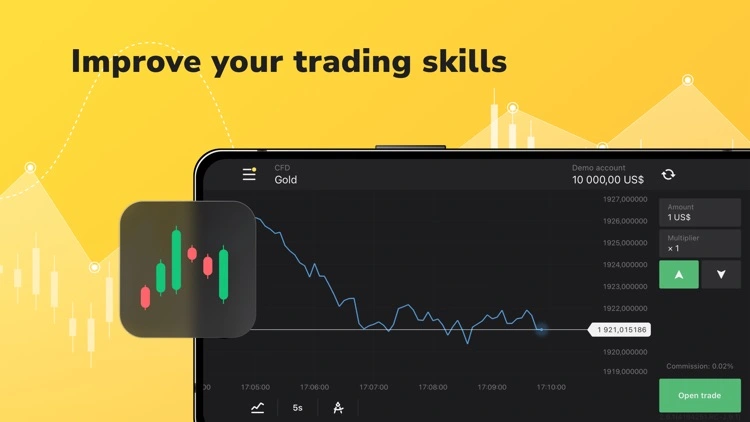
Looking for iOS version? The Binomo application is also available for iPhone and iPad users with iOS 11.0 or later. Download directly from the App Store to experience the same powerful trading tools on your Apple devices.
The platform allows users to trade various assets including currencies, commodities, indices, and stocks with minimum investments starting at just $1 per trade. This accessibility, combined with a minimum deposit requirement of only $10, makes it an attractive option for traders with different capital levels.
How to Download and Install the App
The Android app can be acquired through several channels, ensuring accessibility regardless of your device specifications or regional restrictions.
Official Google Play Store Download
For most Android users, the simplest method is downloading directly from Google Play Store:
- Open Google Play Store on your Android device
- Search for “Binomo” in the search bar
- Select the official trading app from the results
- Tap “Install” and wait for the download to complete
- Launch the app from your home screen after installation
The application requires Android 5.0 or higher and approximately 30MB of storage space.
Alternative Download Options and APK
If you encounter restrictions accessing Google Play or prefer alternative sources, Binomo provides multiple download channels:
| Store/Platform | Availability | Requirements |
|---|---|---|
| AppGallery | Huawei devices | HarmonyOS/EMUI |
| Galaxy Store | Samsung devices | OneUI |
| Aptoide | All Android devices | Android 5.0+ |
| Apptoko | All Android devices | Android 5.0+ |
| Direct APK | All Android devices | Allow installation from unknown sources |
Want to use Binomo on PC? You can access Binomo via web browser on Windows or Mac. Alternatively, use Android emulators like BlueStacks or MEmu to run the mobile app on your computer with full functionality.
The APK (Android Package Kit) version offers particular advantages:
- Access to features that might be limited in official store versions
- Availability in regions where the app faces regulatory restrictions
- Immediate access to the latest updates without waiting for store approval
- Alternative solution when Google Play services aren’t available
To install the Binomo APK:
- Enable “Install from Unknown Sources” in your device settings
- Download the APK file from Binomo’s official website
- Open the downloaded file and follow installation prompts
- Accept necessary permissions and complete the installation
Setting Up Your Binomo Account on Android
After installing the application, setting up your account requires just a few simple steps:
- Open the app and tap “Sign Up”
- Choose your registration method:
- Email registration (enter email and create password)
- Google account integration
- Facebook account integration
- Select your account currency (important as this cannot be changed later)
- Review and accept the Client Agreement and Privacy Policy
- Verify your email address via the confirmation link
- Complete your profile information
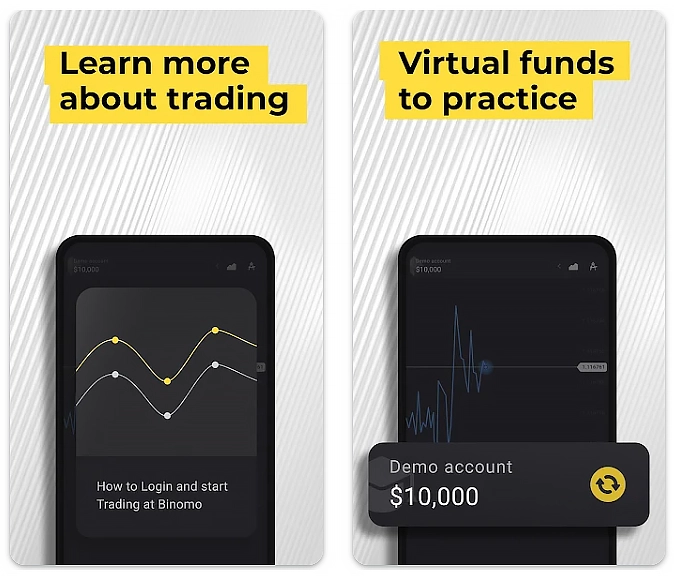
New users receive access to a demo account with $1,000 in virtual funds to practice trading strategies without financial risk. This feature is particularly valuable for beginners learning navigation and developing trading techniques.
The following table outlines the key account types available:
| Account Type | Minimum Deposit | Features |
|---|---|---|
| Standard | $10 | Basic technical analysis, standard assets |
| Gold | $500 | Additional assets, increased profitability, priority withdrawals |
| VIP | $1,000 | Maximum profitability, exclusive assets, personal manager |
Security and Safety Measures in the Binomo Mobile App
Binomo prioritizes user security through multiple protection layers:
- SSL encryption for all data transmission between app and servers
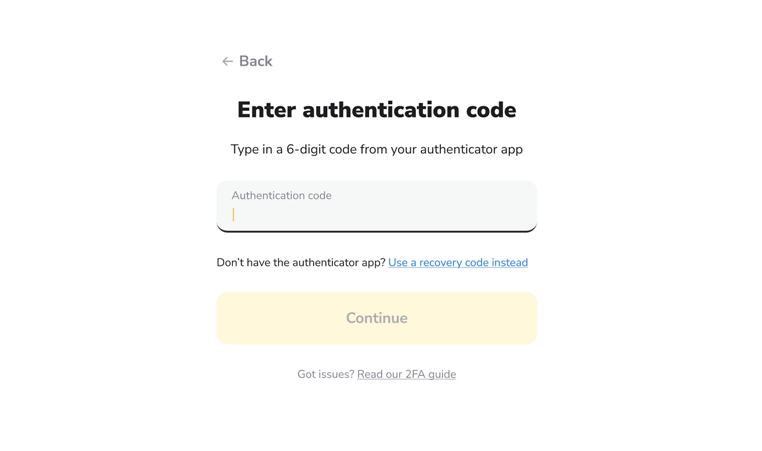
- Two-factor authentication (2FA) for account access
- Secure payment processing with major providers
- Regular security updates and patches
- Strict Know Your Customer (KYC) verification protocols
These measures ensure that your personal and financial information remains protected while using the app. The platform maintains regular updates to address any security vulnerabilities and improve overall system integrity.
Trading on the Go: Making the Most of Binomo for Android
The mobile application transforms how traders interact with financial markets by offering:
- Real-time notifications for market events, price movements, and account activities
- 24/7 access to trading accounts regardless of location
- Quick trade execution with optimized mobile processing
- Educational resources including webinars, tutorials, and market analysis
- Practice opportunities through unlimited demo account access
Professional traders particularly appreciate the app’s ability to maintain multiple technical analysis setups across different assets, allowing for comprehensive market monitoring even away from a desktop environment.
Comparing Binomo App Across Different Platforms
While the app delivers excellent functionality, understanding how it compares to other platforms helps traders make informed decisions:
| Feature | Android App | iOS App | Web Platform |
|---|---|---|---|
| User Interface | Optimized for touch | Optimized for touch | Desktop-oriented |
| Chart Tools | Essential indicators | Essential indicators | Full indicator suite |
| Asset Selection | 70+ assets | 70+ assets | 70+ assets |
| Minimum Trade | $1 | $1 | $1 |
| Performance | Device-dependent | Consistent | Browser-dependent |
| Offline Access | Limited functionality | Limited functionality | Not available |
Each platform offers the same core trading capabilities, but the mobile versions excel in convenience while the web platform provides the most comprehensive technical analysis tools.
Troubleshooting Common Issues
Despite its robust design, users occasionally encounter challenges with the app. Here are solutions to frequent problems:
- App crashes or freezes: Clear the app cache or reinstall the latest version
- Google Play services errors: Install Google Play services separately via APK if using devices without Google support
- Chart loading issues: Check your internet connection stability and speed
- Login problems: Reset your password or contact customer support
- Payment processing failures: Verify your payment method is supported in your region
For technical difficulties, Binomo provides 24/7 customer support through in-app chat, email, and an extensive help center with detailed troubleshooting guides.
The Binomo mobile application represents a powerful tool for modern traders seeking mobility without sacrificing functionality. With its intuitive interface, comprehensive feature set, and robust security measures, it enables efficient market participation regardless of location or experience level. Ready to experience trading on the go? Download the application today and explore its capabilities with a risk-free demo account.
FAQ: App for Android
Can I use the same Binomo account across multiple devices?
Yes, your Binomo account credentials work across all platforms. You can seamlessly switch between Android, iOS, and web versions using the same login details.
Is the Binomo apk available worldwide?
The app is available in most countries, though regulatory restrictions prevent access in certain regions, including the USA and European Union countries.
How do I update the Binomo app on Android?
The app updates automatically through Google Play Store. For APK users, you’ll need to download and install the latest version manually from the official website.
What should I do if I can't download Binomo from Google Play?
Try alternative download sources like the official website APK, AppGallery, Galaxy Store, Aptoide, or Apptoko. Ensure your device meets the minimum Android 5.0 requirement.
Are there any fees for using the app?
The app download and usage are free. Trading fees are integrated into the asset pricing structure, with no hidden commissions or charges for deposits.
How secure is my financial information on the app?
Binomo employs industry-standard security measures including SSL encryption, 2FA, and strict data protection protocols to safeguard all personal and financial information.
Sign Up and Get a Bonus
Join the trading platform and receive a welcome bonus on your first deposit!
Risk Warning: Trading in financial markets and CFDs with leverage carries a high risk of losing part or all of your invested capital. Ensure you understand the risks involved and assess your level of preparation before engaging in high-risk trading. Please make sure trading complies with the regulations in your region before proceeding.